






Payout day without the admin
Payouts you no longer run yourself
Each payout cycle eats days you do not have
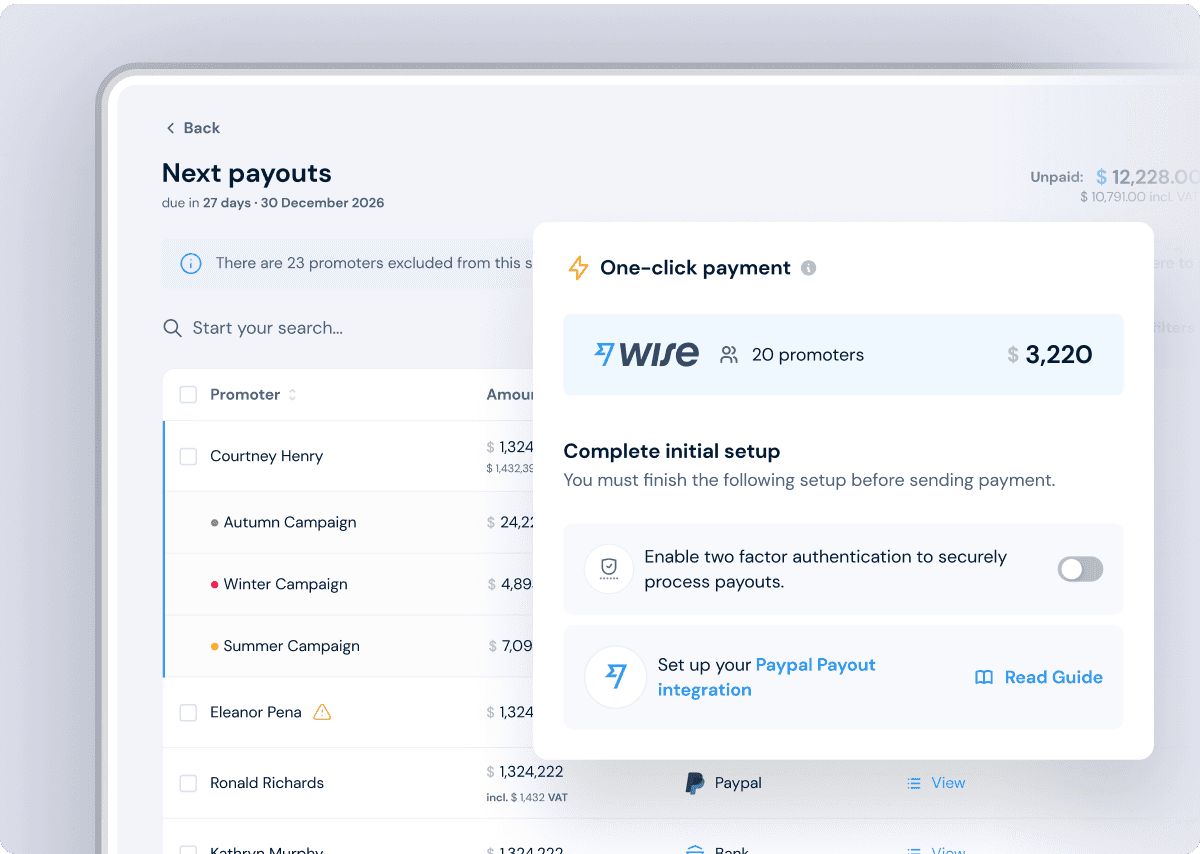
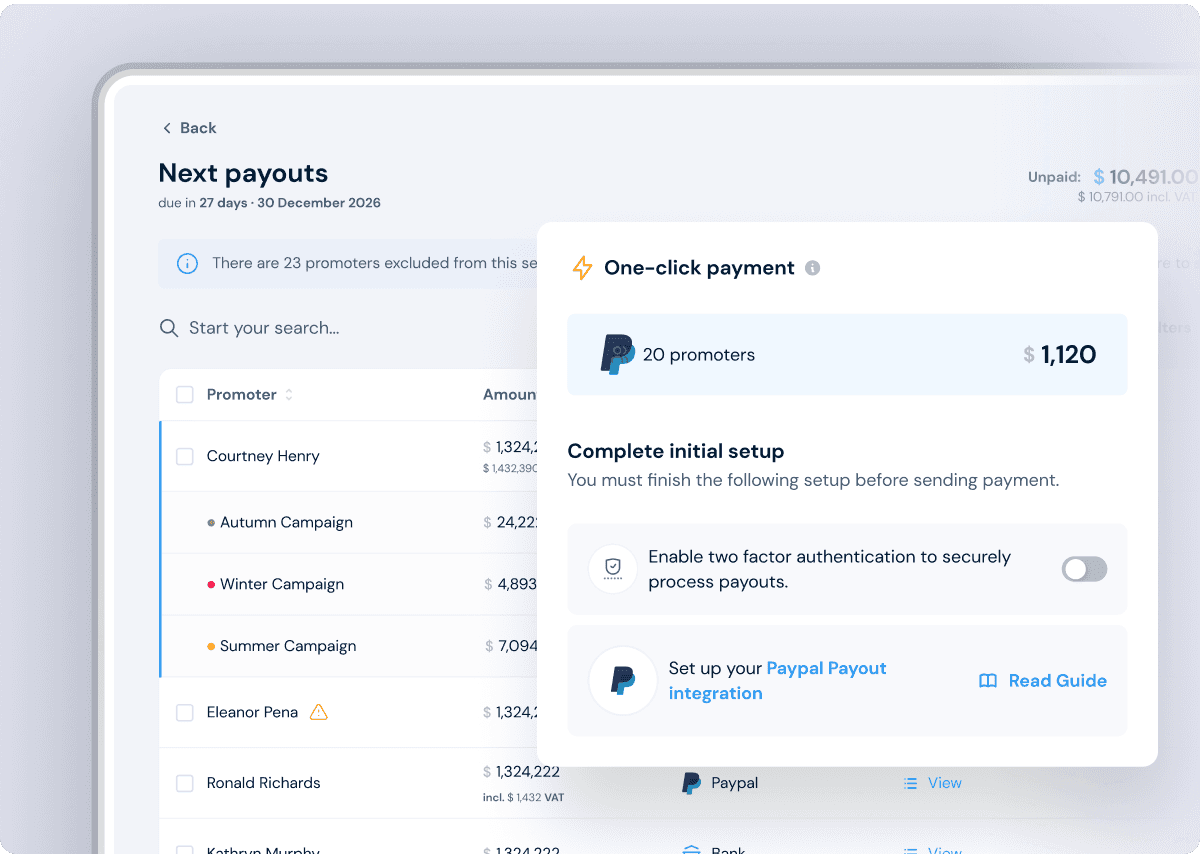
Each affiliate you pay is its own transfer and each transfer needs confirming and then marking as paid
Finance blocks an afternoon per batch and one failed transfer means starting the chase again from the top
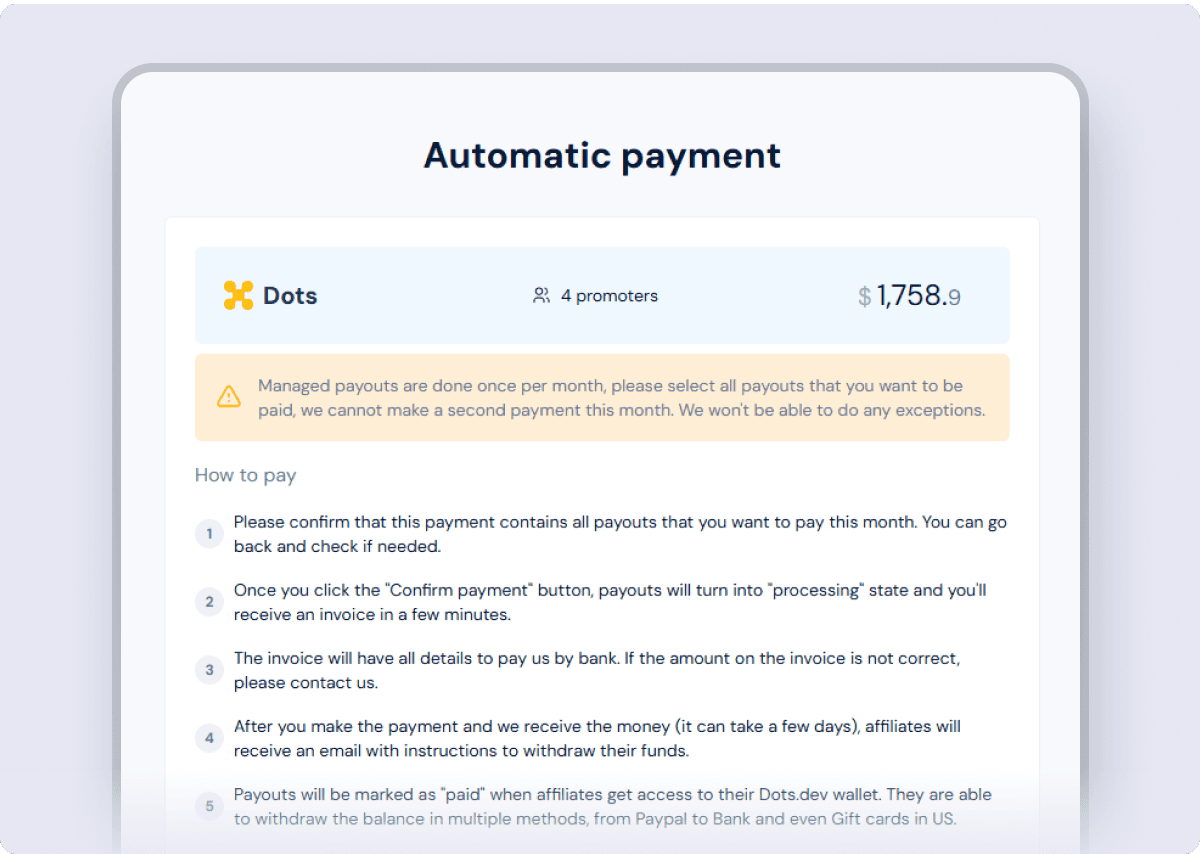
With Auto-payouts you approve the batch, pay one invoice and the individual payouts run without you
Tax forms arrive late, wrong or not at all
Collecting tax forms becomes your job the moment an affiliate earns, before anyone has been paid a cent
Missing forms hold payouts back and filing season means reconciling a year of them by hand
On Auto-payouts the form is collected when the affiliate claims their money and the filings never come back to you
Affiliates keep asking where their money is
A payout marked sent can still bounce back days later, whether the bank details changed or the PayPal account was limited
Each bounce is a support ticket and an affiliate waiting on money promotes less while they wait
Auto-payouts retries a failed payout on the next cycle and shows the affiliate their unclaimed amount and its expiry in their dashboard
14-day free trial. No credit card required.

Excellent experience. The platform is well built. Every feature where I think “oh, it would be good if they have that”, I check, and they have it. The tracking seems to be robust, which makes payouts easy. And the support is excellent.


One invoice funds the whole batch
The managed payout cycle
Approve the payout batch
A batch is created on your schedule or on demand and if your prepaid balance covers it no invoice is issued.
Pay a single invoice
You receive one invoice for the shortfall, payable by bank transfer or ACH debit and that is the only payment you make.
Payouts release on their own
Once your payment is detected the whole batch releases on its own and each affiliate gets one claim link by email.
Affiliates claim, you see it paid
Affiliates pick their method on a hosted claim page and each payout is marked paid on claim with a self-billing invoice attached.
14-day free trial. No credit card required.
Affiliates get paid without setting anything up
No PayPal or Stripe accounts to connect on their side and no bank details stored in your system: the claim link does the work.
One link, any method
Each affiliate receives a claim link by email and chooses bank transfer, PayPal or another supported method. Identity checks happen on the same page.
Tax forms collected on claim
The tax form is requested when the affiliate claims their first payout, so no payout waits on paperwork you had to chase.
Repeat payouts go automatic
Once a payout method is saved, later payouts land there with no further action from the affiliate or from you.
Beyond the standard run
Edge cases handled inside the cycle
Money moves only after the batch is funded.
A batch checks your prepaid balance first and invoices only the shortfall. You see the balance and any open invoice live in the dashboard and a new batch waits until the previous invoice is paid.
Nothing is lost when an affiliate does not claim.
A claim link expires after 30 days, the funds return to your balance and the payout is marked failed. The next release picks it up automatically and a retry can never pay the same affiliate twice.
Works whatever currency your account runs in.
Non-USD accounts convert automatically when the invoice is issued, with the conversion disclosed on it. Invoices and affiliate payouts themselves are denominated in USD.
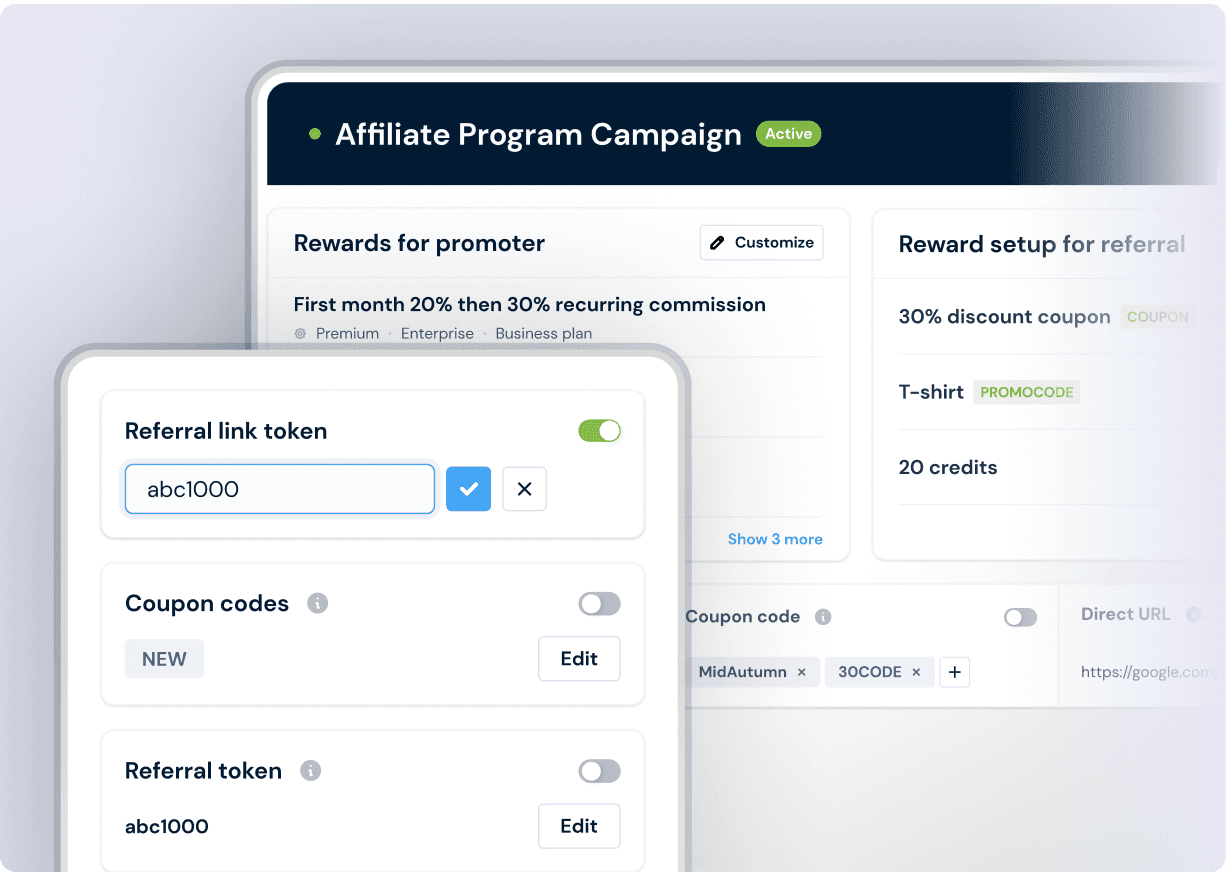
Every payout is recorded paid the moment it is claimed.
Each claim marks the payout paid and generates the affiliate’s self-billing invoice automatically. Affiliates see any unclaimed payout, its amount and its expiry in their own dashboard.
14-day free trial. No credit card required.

 Submagic
Since launching their affiliate program on FirstPromoter, Submagic has generated €1,635,717 in total revenue and built a network of 9,000+ promoters.
Partner-attributed monthly revenue tracked
Subscription businesses
Average setup time
Rated by verified users
Related Features
Payouts
Affiliate payout software
Pay affiliates yourself through Stripe Payouts or PayPal, or export a CSV for Wise, bank transfer and crypto.
Rewards
Affiliate commission software
Set percentage or flat rates per plan, one-time or lifetime, with refunds reversing commissions on their own.
Reporting
Affiliate reporting
See revenue and commission cost per affiliate and campaign before you approve the next batch.
Guides and Documentation
Help doc
How managed (auto) payouts work
Requirements, the invoice and claim cycle and what happens when a claim link expires.
Help doc
How payouts work in FirstPromoter
Payout terms, monthly batches and statuses explained, so you know what you are approving.
Help doc
How to pay your promoters
Every payout method side by side, from one-click payouts to CSV exports.
Frequently Asked Questions
Don’t see the answer you need?
That’s ok. Just drop a message and we will get back to you ASAP.